Documentation IndexFetch the complete documentation index at: /llms.txtUse this file to discover all available pages before exploring further.
Fetch the complete documentation index at: /llms.txt
Use this file to discover all available pages before exploring further.
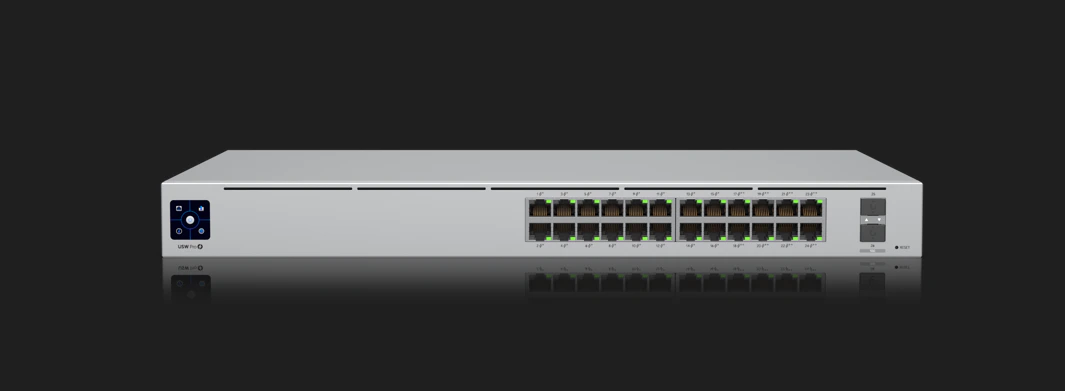
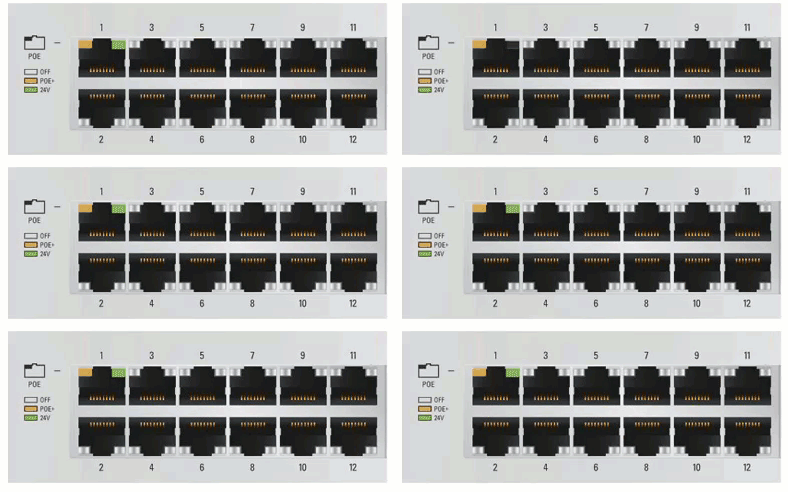
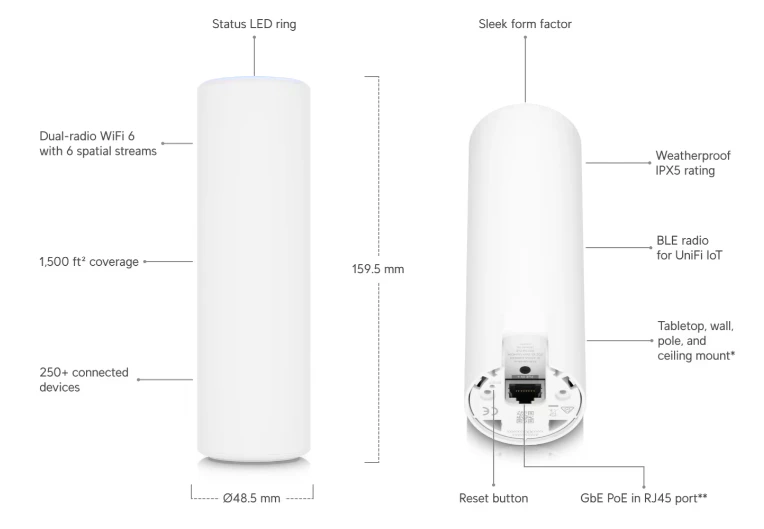
This article shows you how to read the indicator lights on the Switch and Access Point.
Was this page helpful?
Contact support