
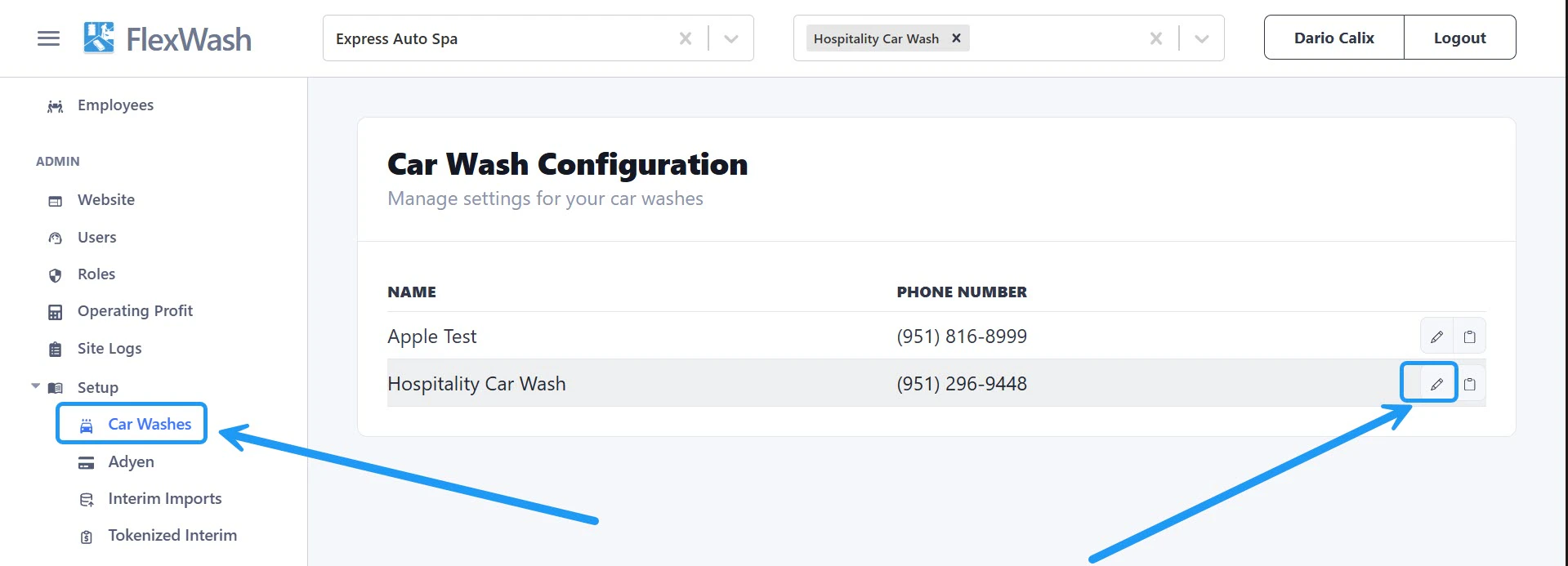
Under the Setup section in the left sidebar, click Car Washes, then select Edit next to the site you want to configure.Documentation Index
Fetch the complete documentation index at: https://docs.flexwash.com/llms.txt
Use this file to discover all available pages before exploring further.
Phone Number
Update the phone number displayed on both digital and printed receipts. Enter the new number and save your changes.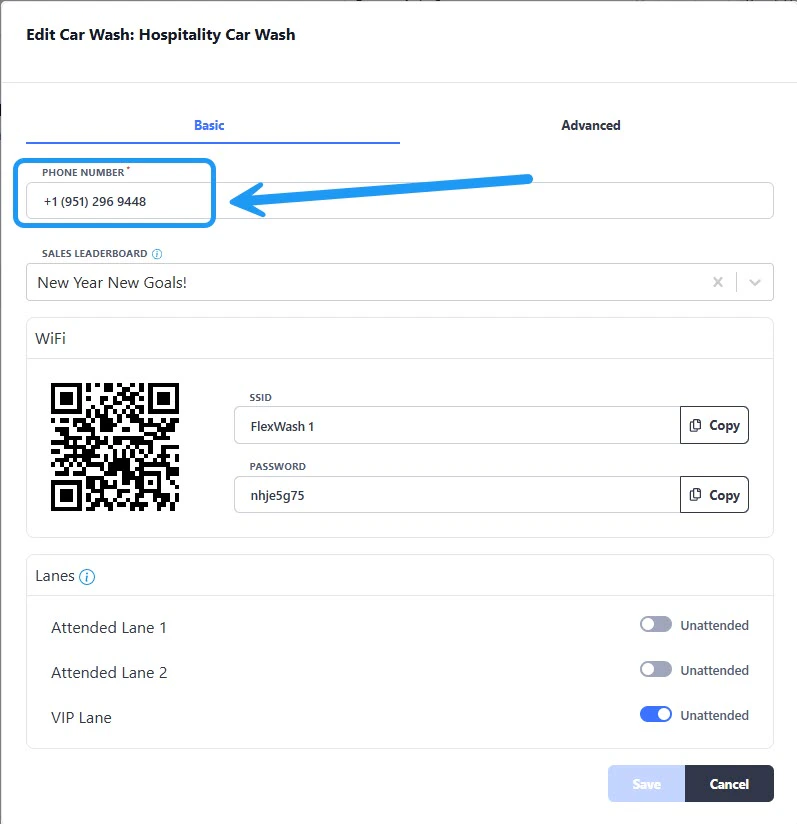
Sales Leaderboard
Select which leaderboard is displayed on Pay Tablets to track and motivate sales performance.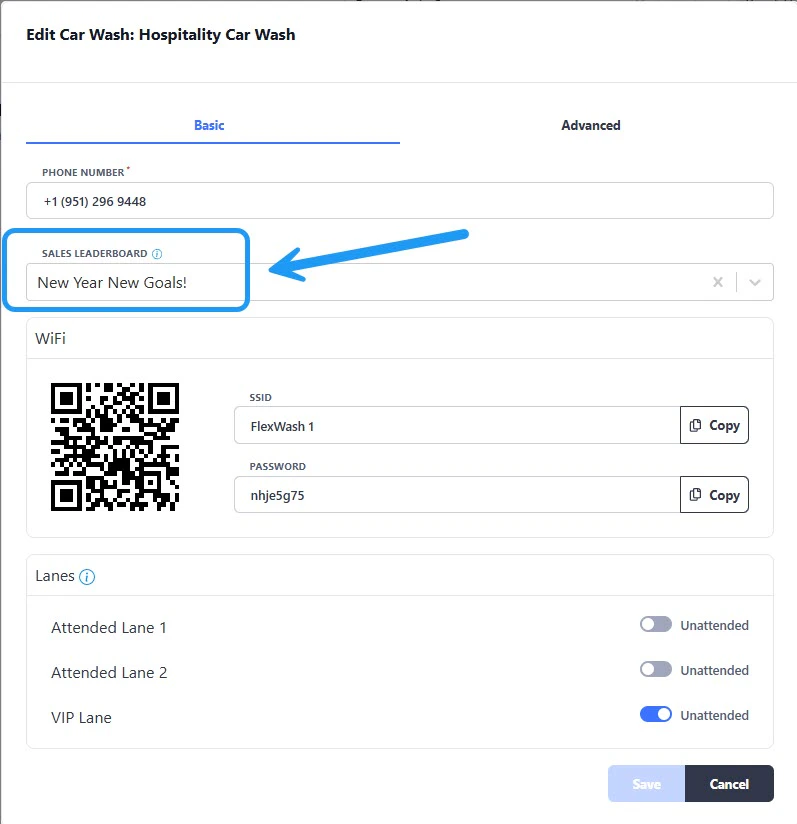
FlexWash WiFi
View the WiFi password for the selected site and access the QR code for quick connection.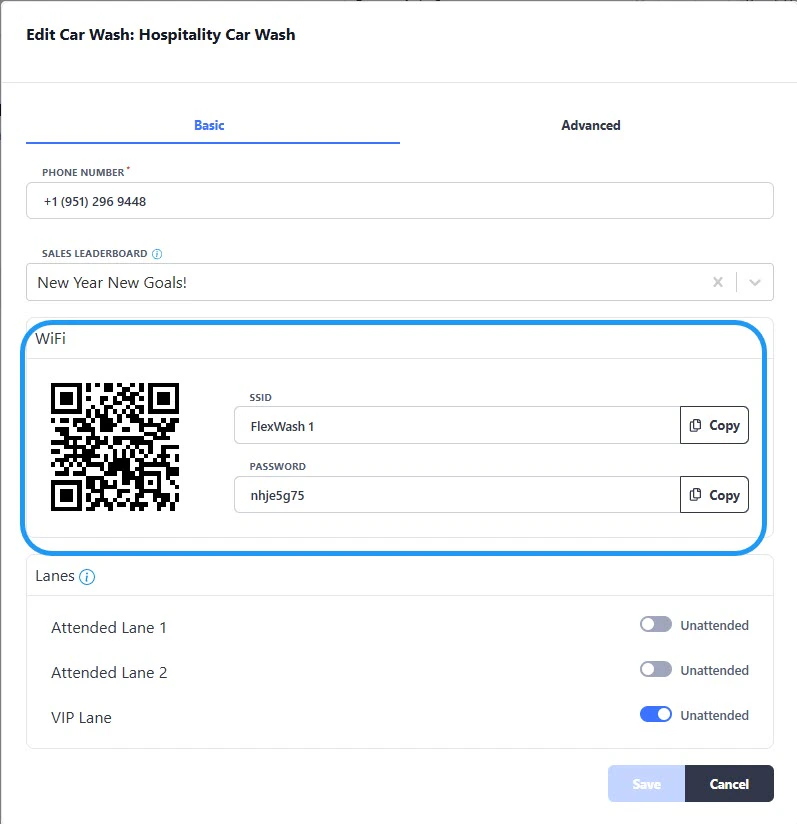
Lane Config
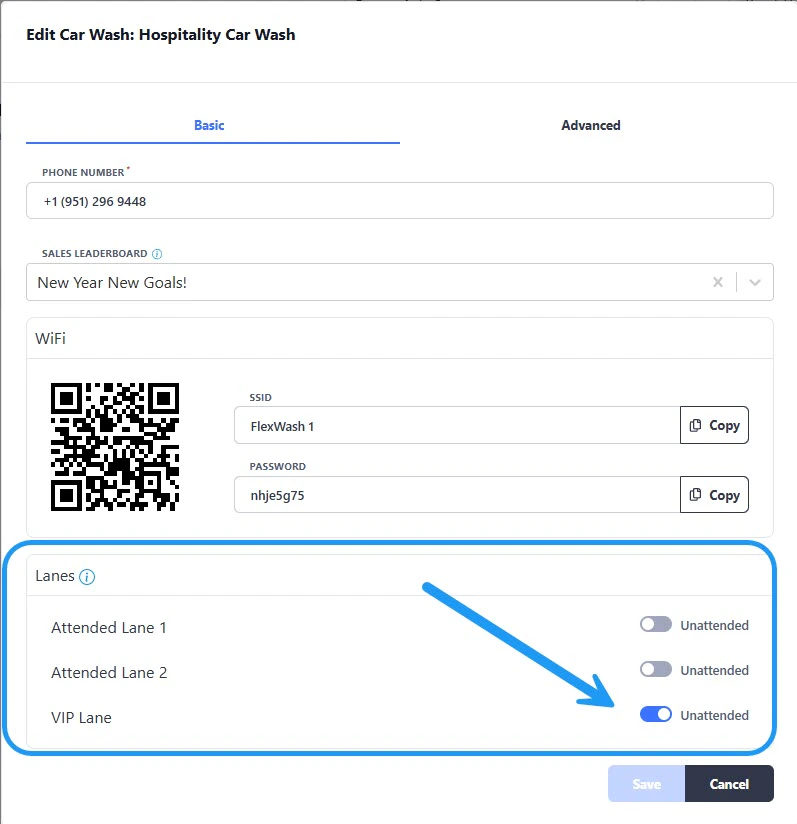
- Attended Mode: An attendant is present to assist customers.
- Unattended Mode: The lane operates independently without continuous supervision.
This change takes effect immediately; no system restart required.