Fleet and commercial accounts rarely fit a single retail menu. FlexWash gives you several ways to match how you price, bill, and reconcile those deals on site and in reporting.
Supported options
Operators use different strategies to win fleet business. In FlexWash you can use:
- Discounted unlimited memberships that stay off your standard pay-tablet menu
- Fleet tender so vehicles wash now and you invoice later
- House accounts to tally unlimited washes without charging a monthly membership fee
- Pre-sold wash bundles purchased in advance, then redeemed over time
Each option has different benefits, setup requirements, and checkout behavior.
Discounted unlimited memberships
Create a Membership package and leave it disabled on the wash menu. Name and price it for that fleet. Disabled packages do not appear on pay tablets; only staff with the right roles can assign them from the admin website.
Create a customer profile, then attach the package to specific license plates, RFID tags, or a fleet code stored as the license plate value.
For a fixed plate list, collect plates up front and assign your custom package
directly. For large mixed fleets (for example rental agencies), RFID tags work
well: issue a shared pool of tags and assign them in bulk.
Fleet codes do not capture the actual license plate that washed. Use
plates or RFID when plate-level history matters.
Fleet tender
For accounts with a fixed list of license plates or RFID tags, set Fleet Account to true.
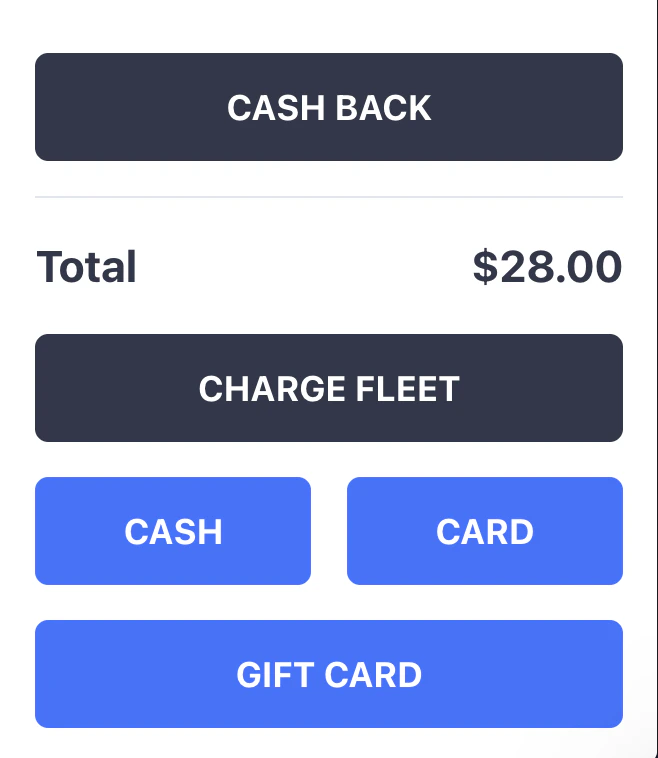
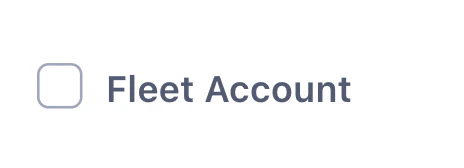 Anytime these accounts (plate, RFID, fleet code) come on site the pay tablet will present a Fleet tender (deferred billing in FlexWash, invoicing on your side).
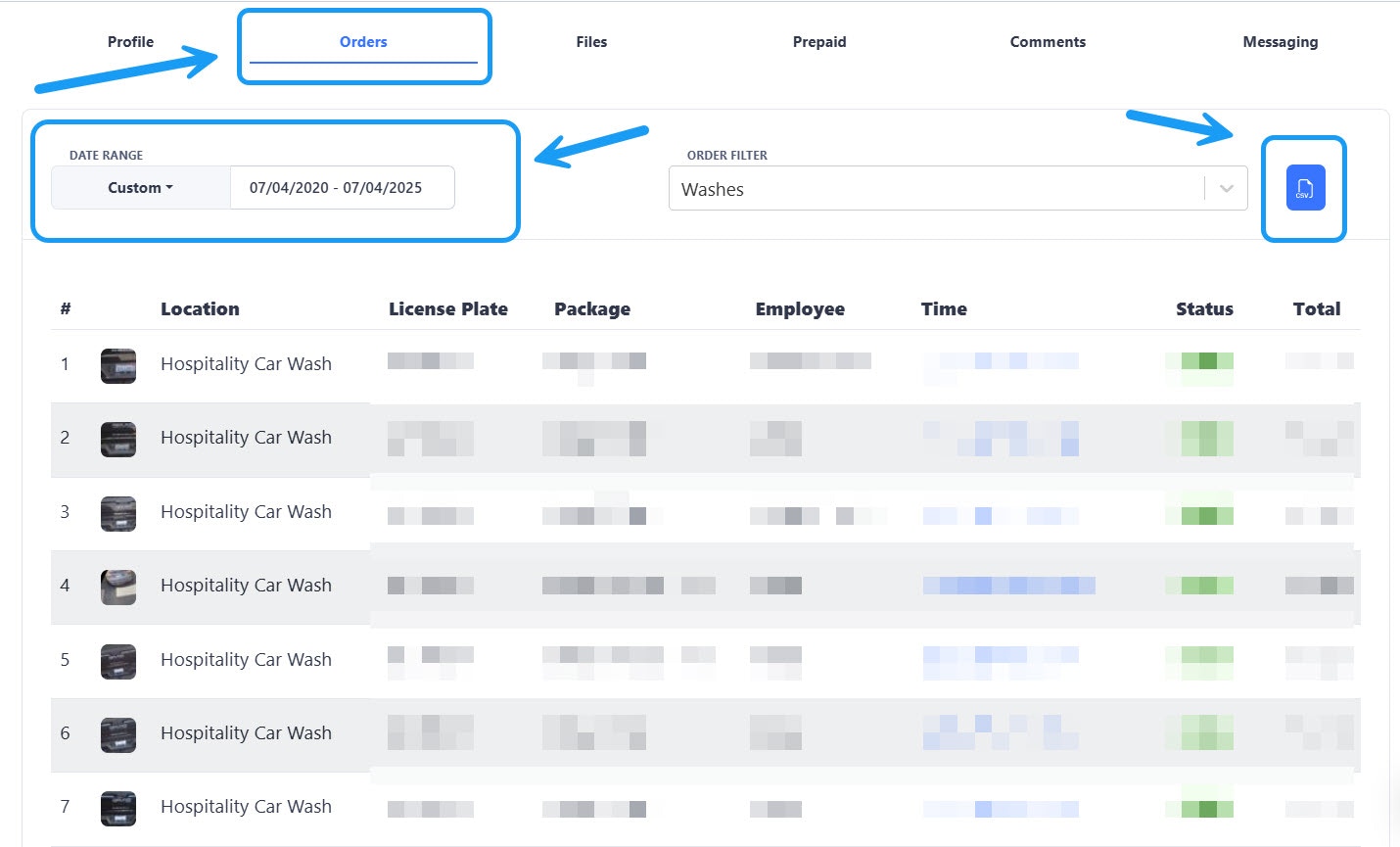
 On each account, the Order history tab lists fleet-tendered orders with full dollar amounts. Export CSV to build invoices.
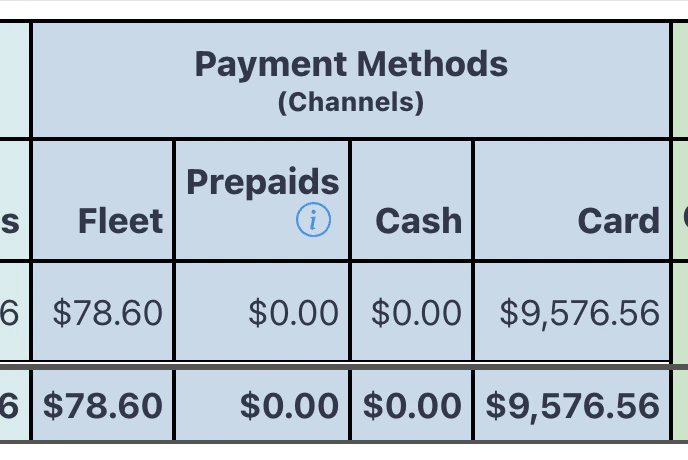
 The deposits report attributes these washes to the Fleet payment channel so you see revenue when the wash happened. Treat that revenue as deferred until you invoice and collect outside FlexWash.
Tally unlimited wash counts (house accounts)
For fixed plate or RFID lists that need unattended lanes without a normal membership bill cycle, assign a membership package and enable House Account.
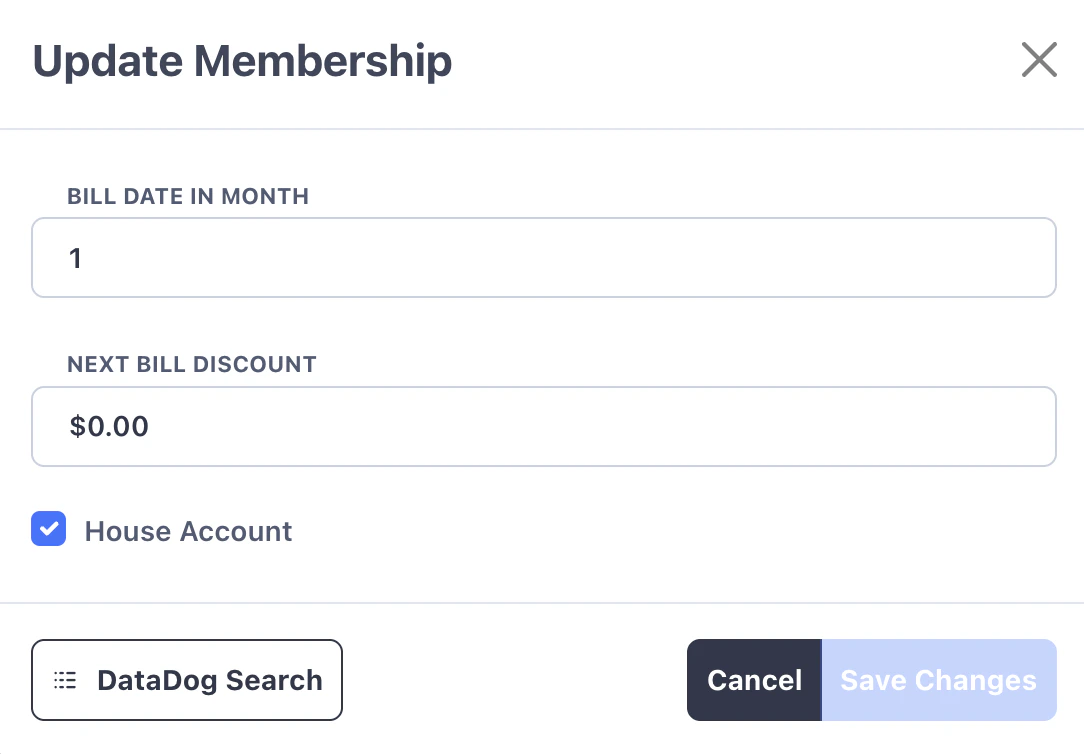 A house account does not get billed for the assigned membership, so the vehicle receives member-style unlimited washes with no monthly membership charge. Order history still counts each wash for export and invoicing.
Pre-sold washes
Sell wash bundles ahead of time (inside FlexWash or elsewhere), then give the account passes or cards to redeem. Ring visits with a fleet-specific package or a discount key, and use Roles so only trusted staff can apply the deal.
Reporting shows package or discount usage so you can track how much of a bundle is left and sell the next batch when it runs out. 