iFrame
In the Website page under the Admin section you can copy the HTML for the member portal iFrame. A preview box for testing is available in the same section.
Login
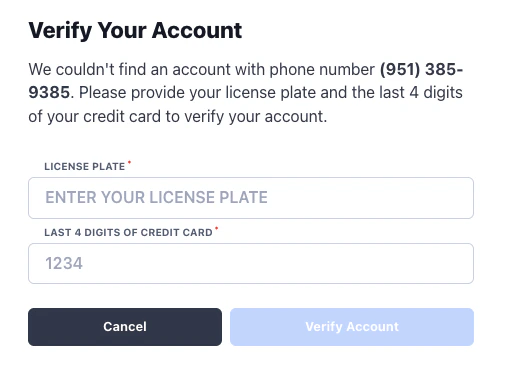
Members log in to the portal via their phone number. We text them a 6-digit authorization code to complete login.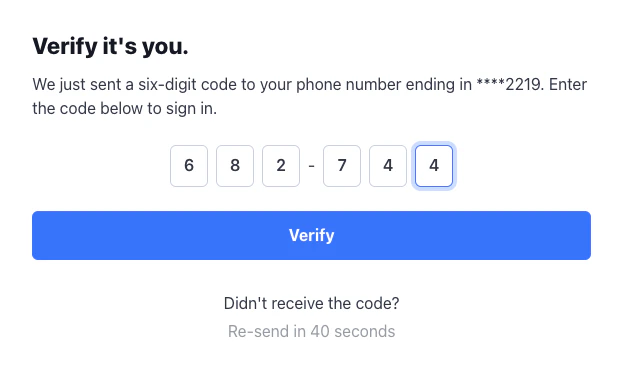
Management
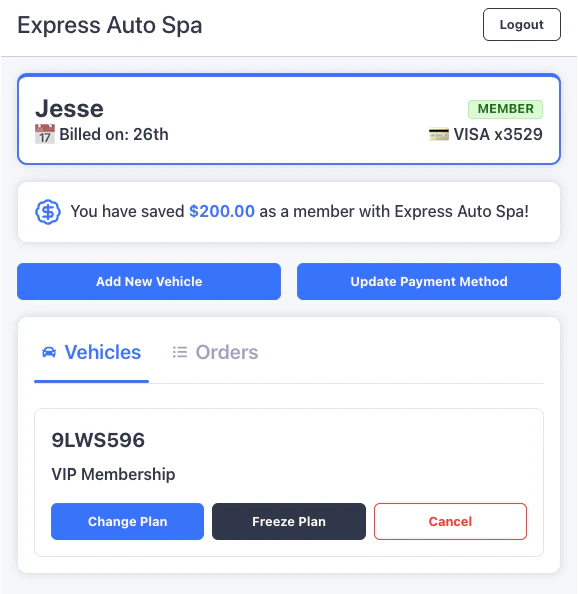
Once logged in a member will have access to the following:- View bill date and card on file
- View calculated savings only if they have saved money as a member
- Change plans, freeze, or cancel
- Add additional vehicles
- Update the card on file
- View order history
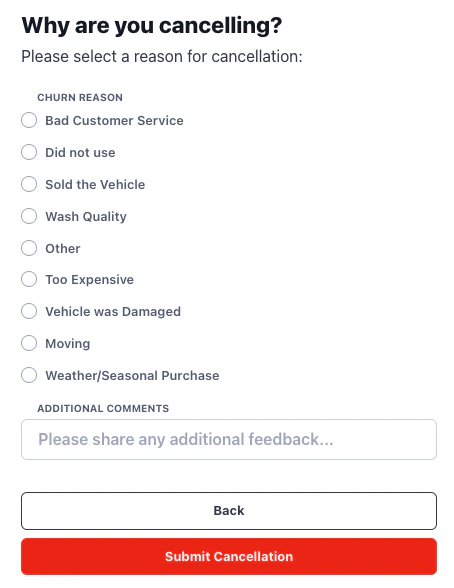
Cancellation
If a member cancels they select from the following list of reasons. The order is randomized to distribute arbitrary selections evenly. Cancellation reason data is available in the Membership Analytics report.