Documentation Index
Fetch the complete documentation index at: https://docs.flexwash.com/llms.txt
Use this file to discover all available pages before exploring further.
Pay Tablets
Menu
From the Pay Tablets, first you have to tap on the Menu button on the top left corner, and then click on the “Search Customers” option. See images below for reference: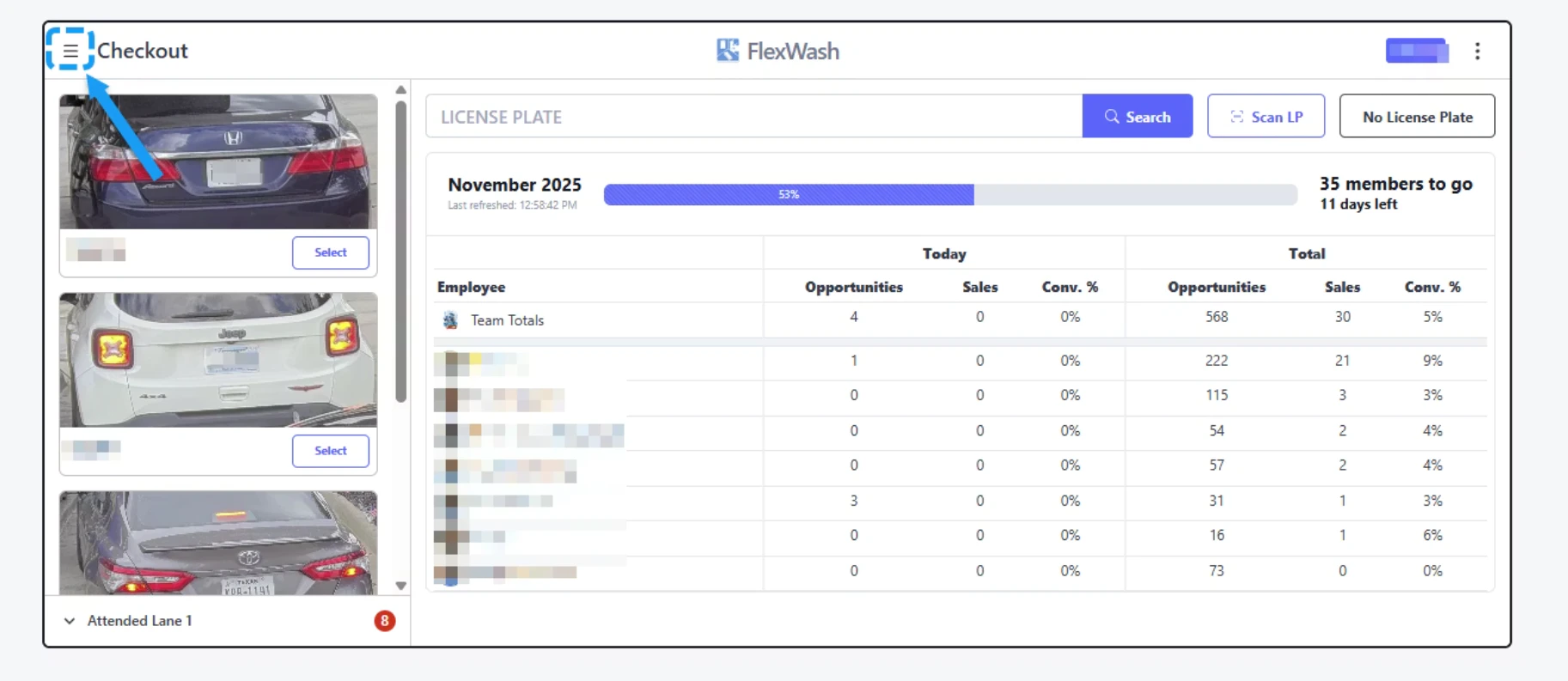
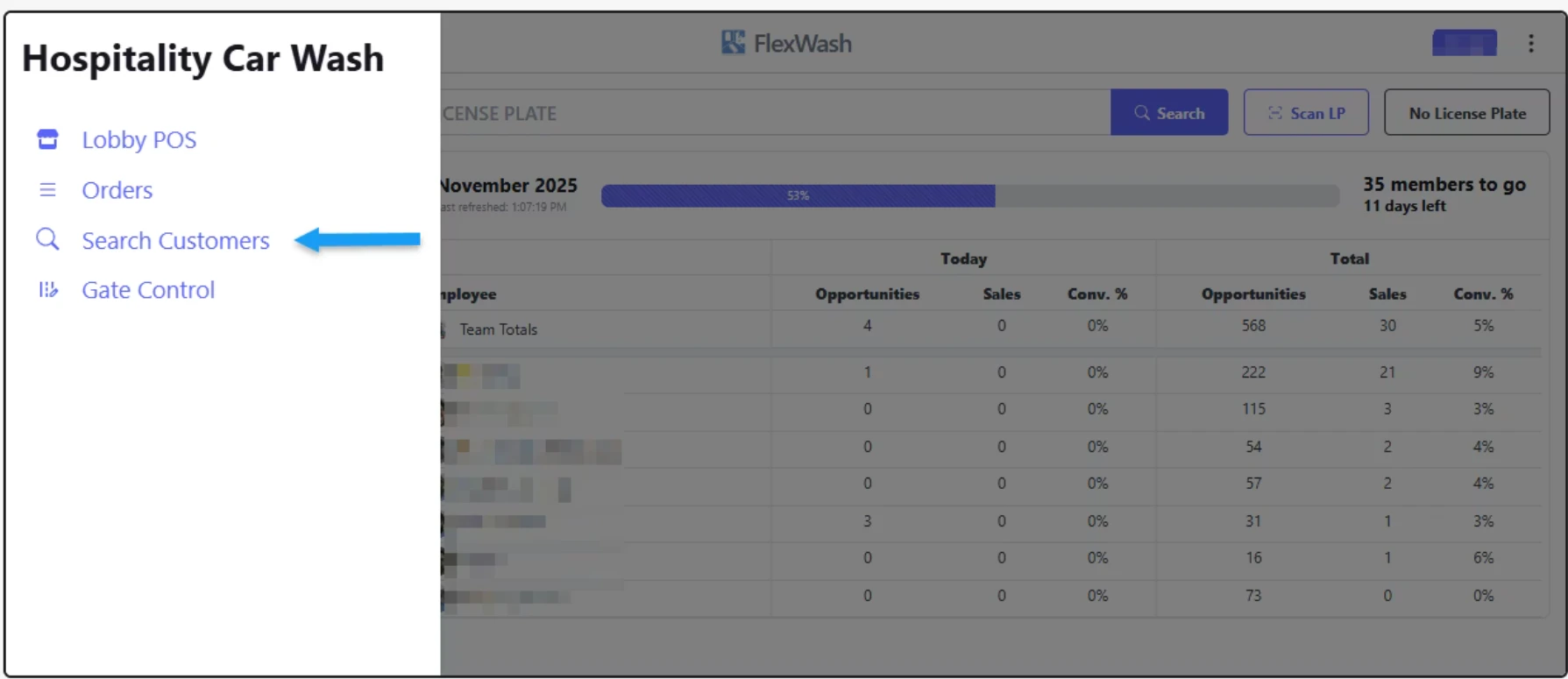
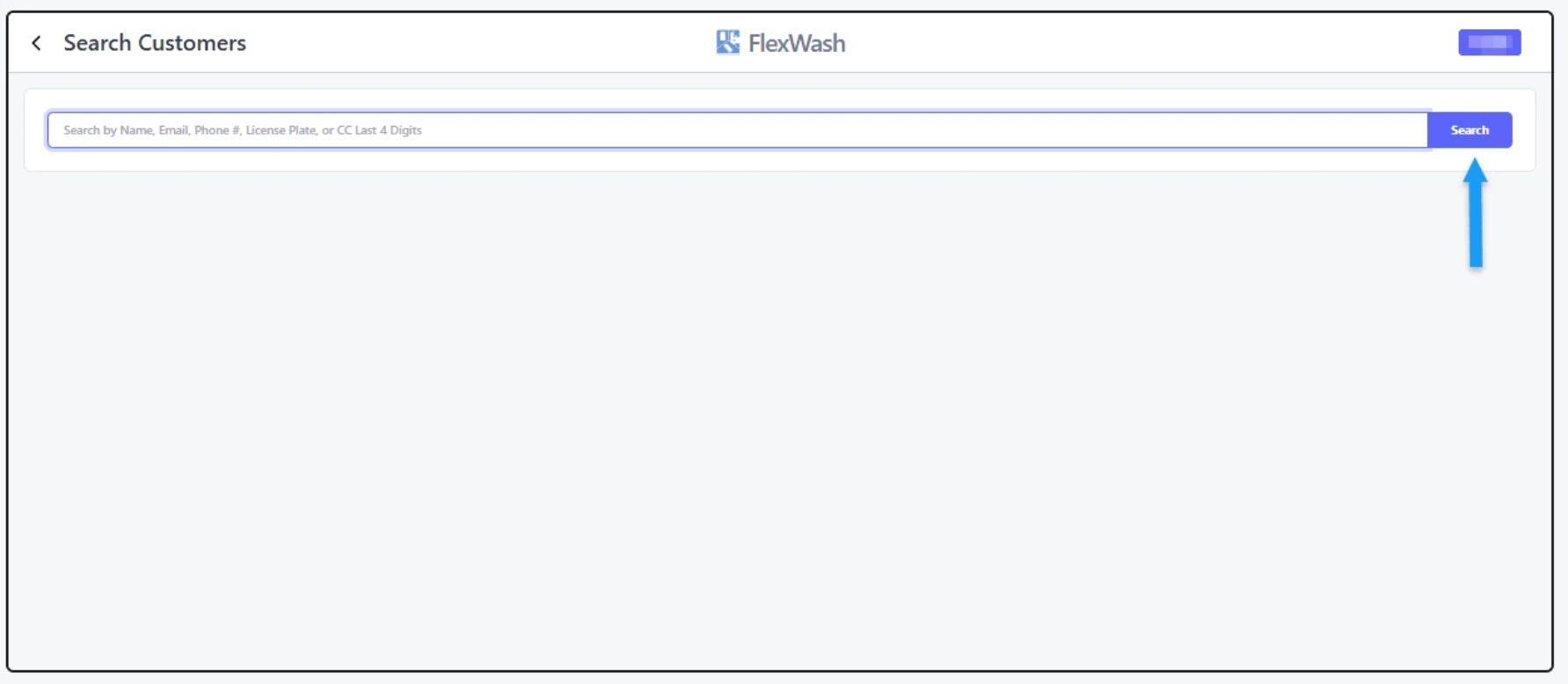
Search Customers
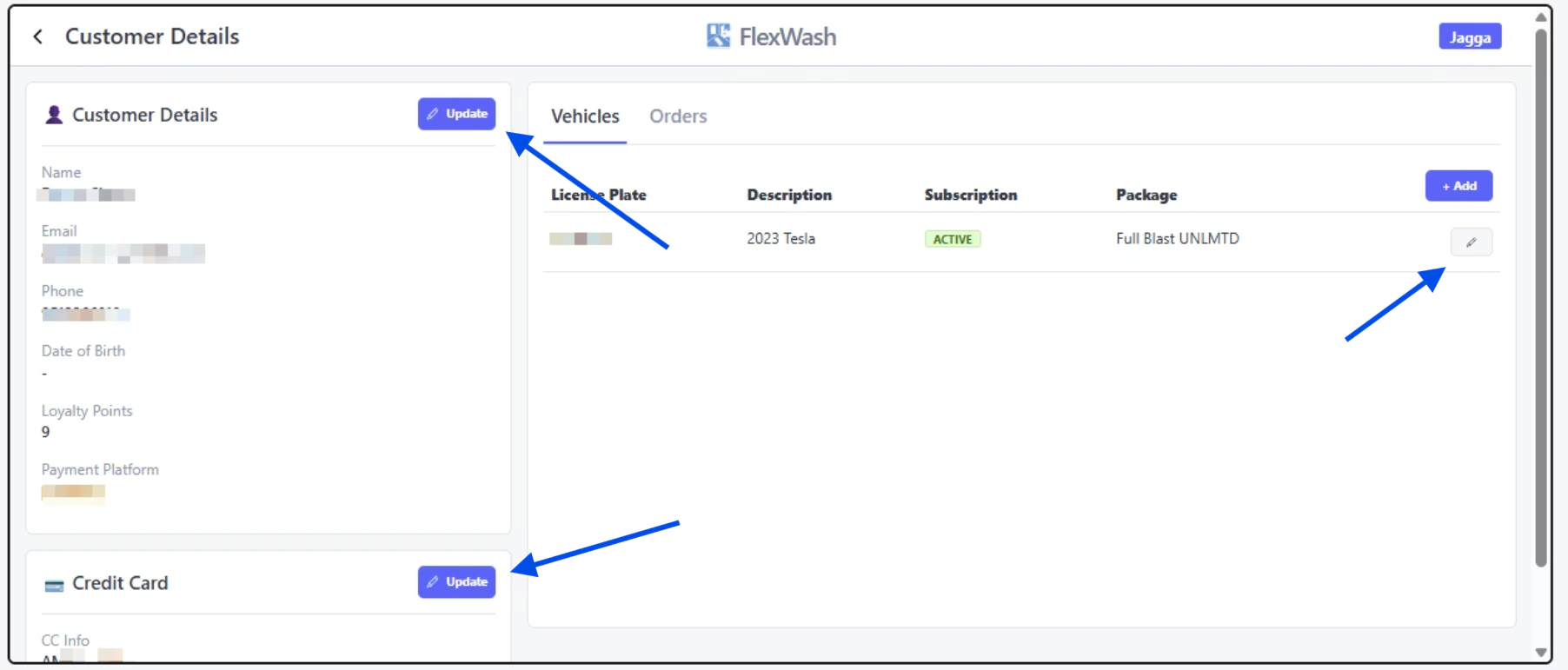
Edit Account