Prerequisites
1
Turn off unattended mode
If your lane is gated, turn off
unattended mode
so the gate does not open automatically for members.
2
Run a recent Interim Import
Make sure you have recently completed an
Interim Import. FlexWash uses this data to
populate your CRM, including each customer’s name, phone, and email, during
the tokenization process.
The Process
Identify the Member
1
The member pulls up to the pay station
With unattended mode off, staff check the vehicle in manually.
2
Check in the vehicle
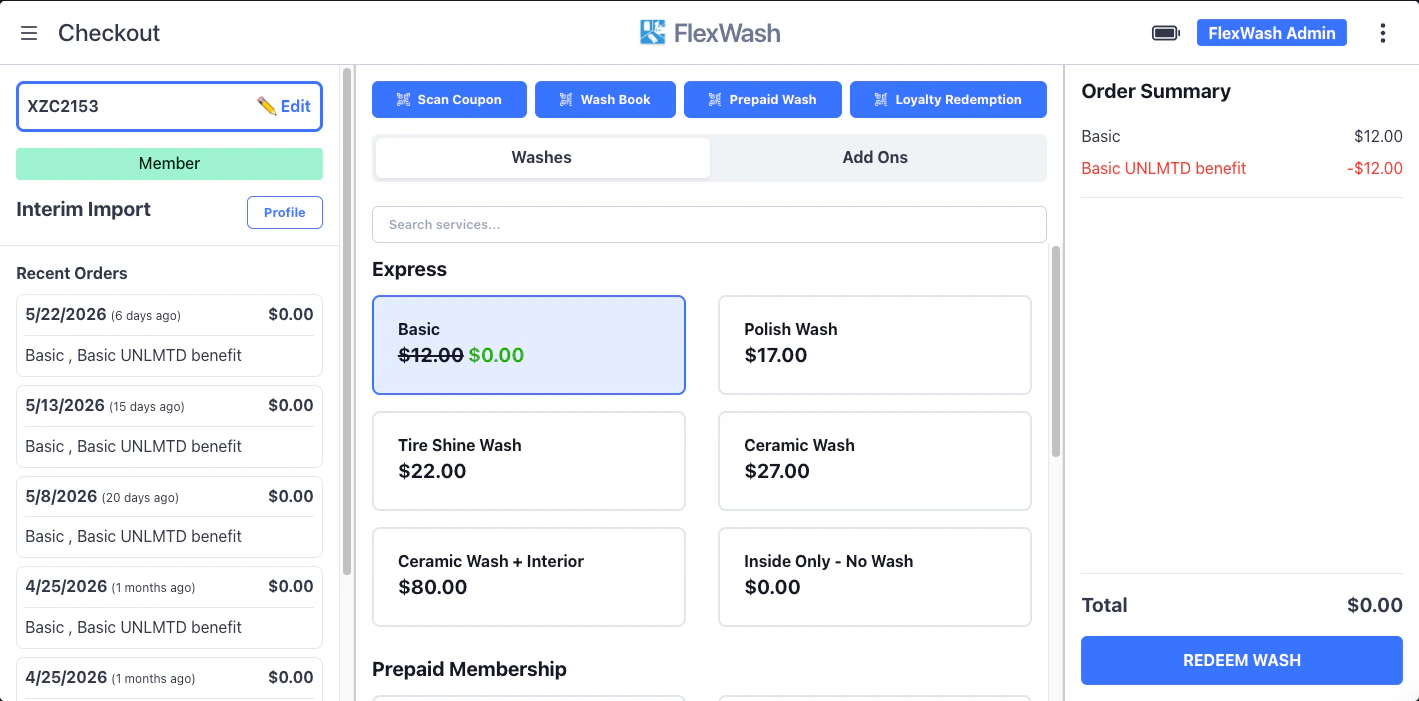
After check-in, look at the customer name.
3
Confirm the interim import
If the name shows Interim Import, proceed with the re-tokenization process
below.
Tokenize the Card
1
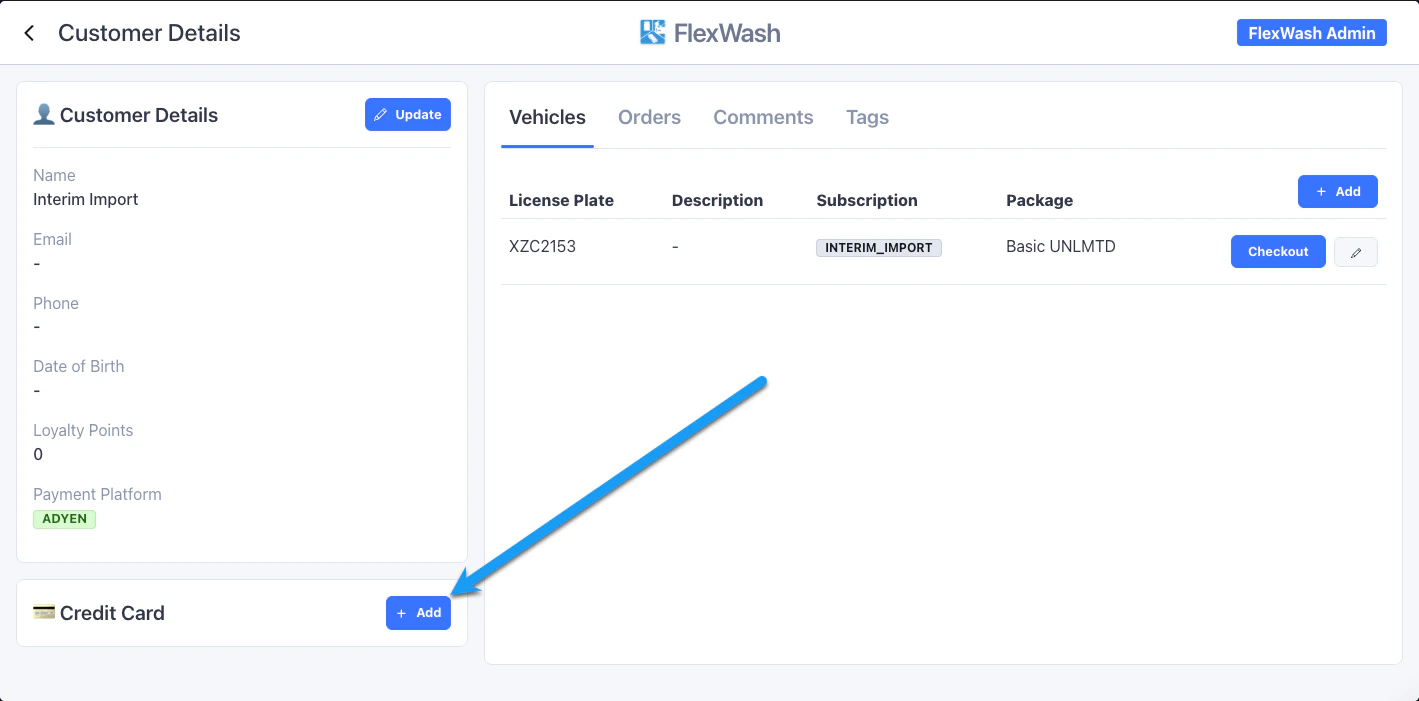
Open the profile
Select Profile to open the customer profile.
2
Add the card
Select Add Card and ask the member for their card.
3
Capture the card
Tap or insert the card on the payment reader.
4
Confirm the save
Wait for the system to save the card to the account.
Complete the Wash
1
Return the card
Hand the member’s card back.
2
Redeem the wash
Redeem the wash as normal and send the vehicle through.
Cancel in the Ex-POS
Open the Tokenized Interim Members report for each day. Here you can bulk apply promotions, if any, to the members you tokenized.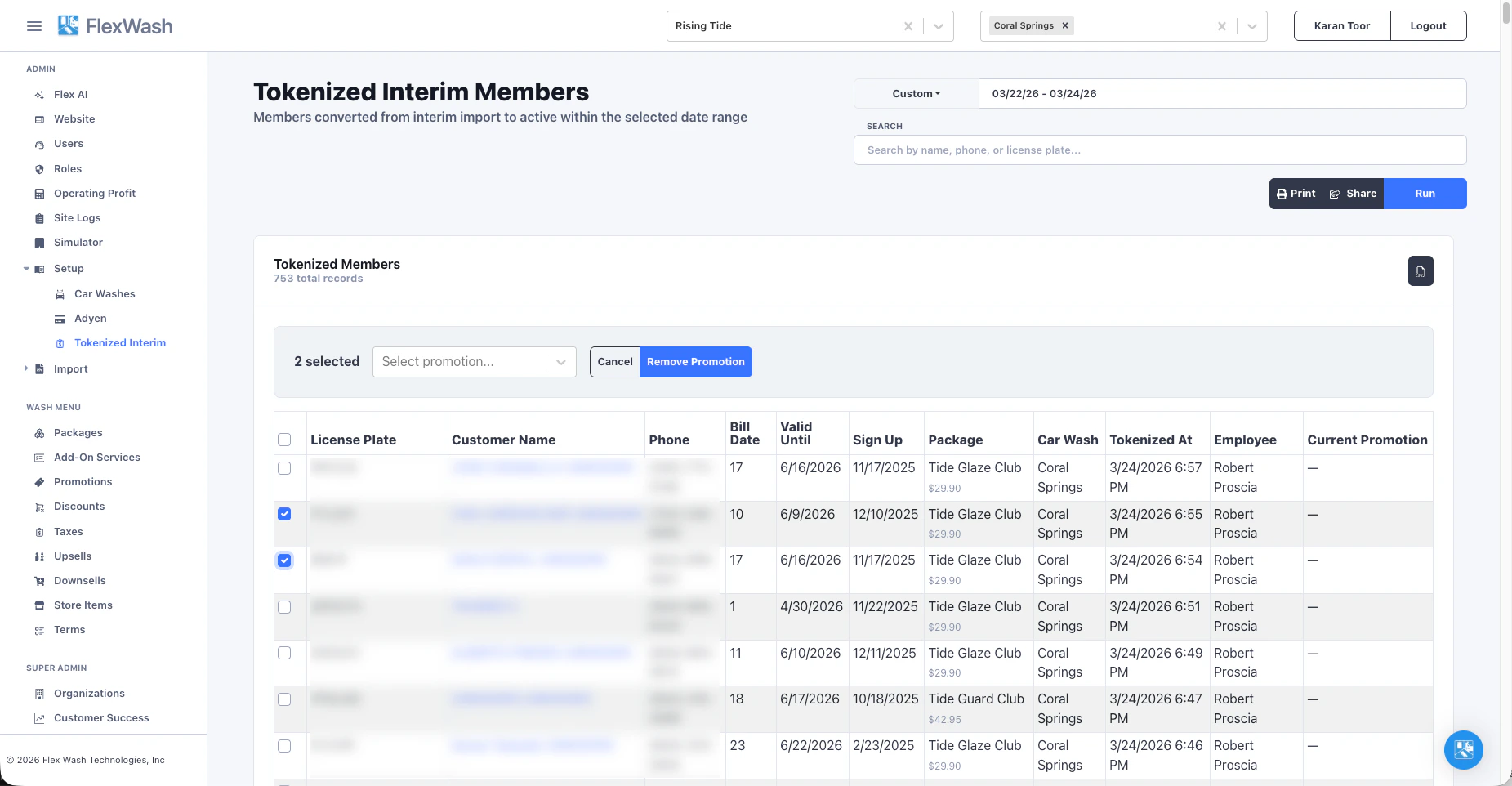
Tips
One of our customers, Rising Tide, manually migrated most of their impressive membership base. Their advice for others follows.Schedule for Success
Minimize disruption to your members’ routine. Assign an employee to each lane you run this on. Schedule dedicated time outside your busiest hours and staff it well. If a lane gets too busy, turn unattended mode back on. Do not hold up a long line.Standardize the Explanation
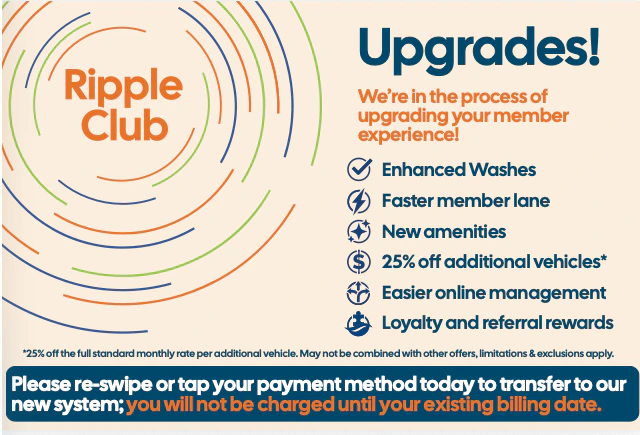
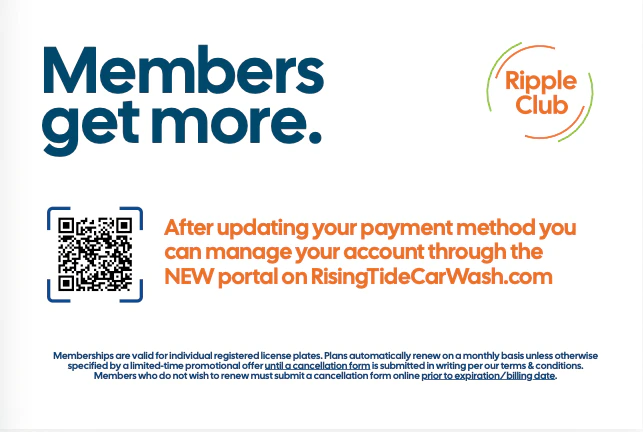
Give your staff a short pitch to memorize:“Hey! We upgraded our system recently and your card didn’t carry over. I just need to swipe it for $0 to keep your membership active. It won’t charge you.”Hand each customer a printed postcard.