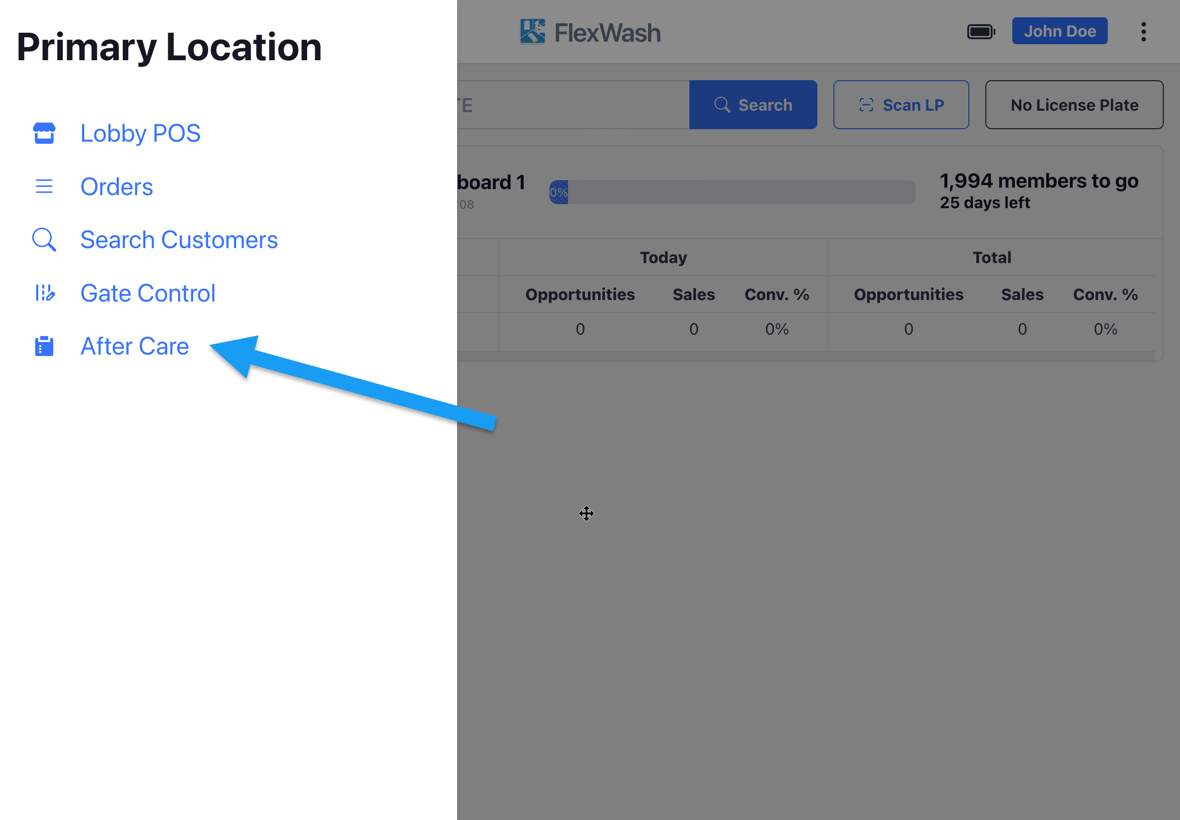
Ask every customer how their wash went before they leave the lot, and capture their feedback.
After Care collects customer feedback at the lane, right after the service. Your
attendant opens the tablet, picks the vehicle, asks how the wash went, and
records a rating in seconds.Each survey is tied to the order, the vehicle, and the attendant who collected
it. You see which washes disappointed, which crew earned the top ratings, and you
learn it the same day.
Tap a vehicle to open its survey.The left panel contains the customer’s information, including their name,
assigned tags, recent orders, and a badge denoting whether they are Member,
Non Member, New Customer, Returning Unknown Customer, or Fleet.The right panel holds the survey itself. Ask How was your wash today?, tap the
star count the customer gives you, then tap Submit. Skip records the order
as surveyed without a rating.
A happy customer at the lane is your best membership prospect. Checkout
opens a new checkout with that vehicle’s plate already loaded, so the attendant
can turn a five-star wash into a membership sale without retyping anything.
Audio recording is enabled separately, per car wash. Contact FlexWash
Support to turn it on for your
site.
Once it is on, FlexWash captures the conversation while the survey screen is open
and attaches it to the survey when the attendant taps Submit.The rating tells you what happened. The recording tells you why, in the
customer’s own words.
Skipped surveys carry no audio. Only a submitted survey attaches a recording.
Was this page helpful?
Assistant
Responses are generated using AI and may contain mistakes.