Text and Email Receipts
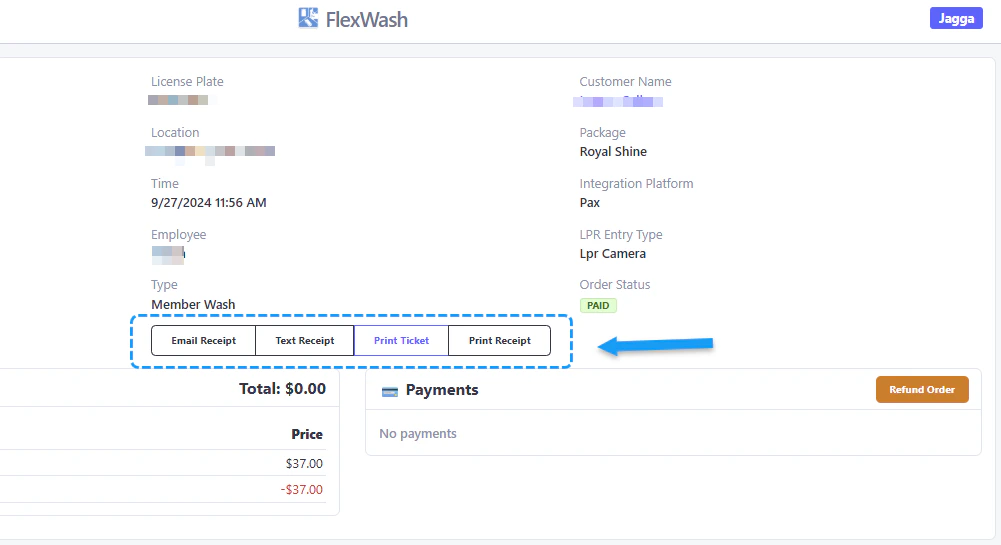
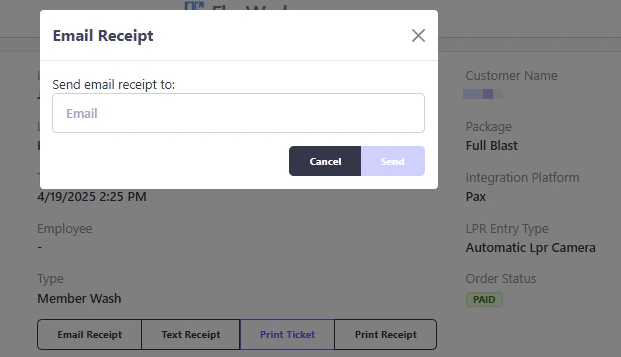
Once an order is complete, you can text or email a receipt from the Pay Tablet. Select the desired option, and a prompt will appear for you to enter a valid email address or phone number.If you have a printer, the option to print receipts will also appear.
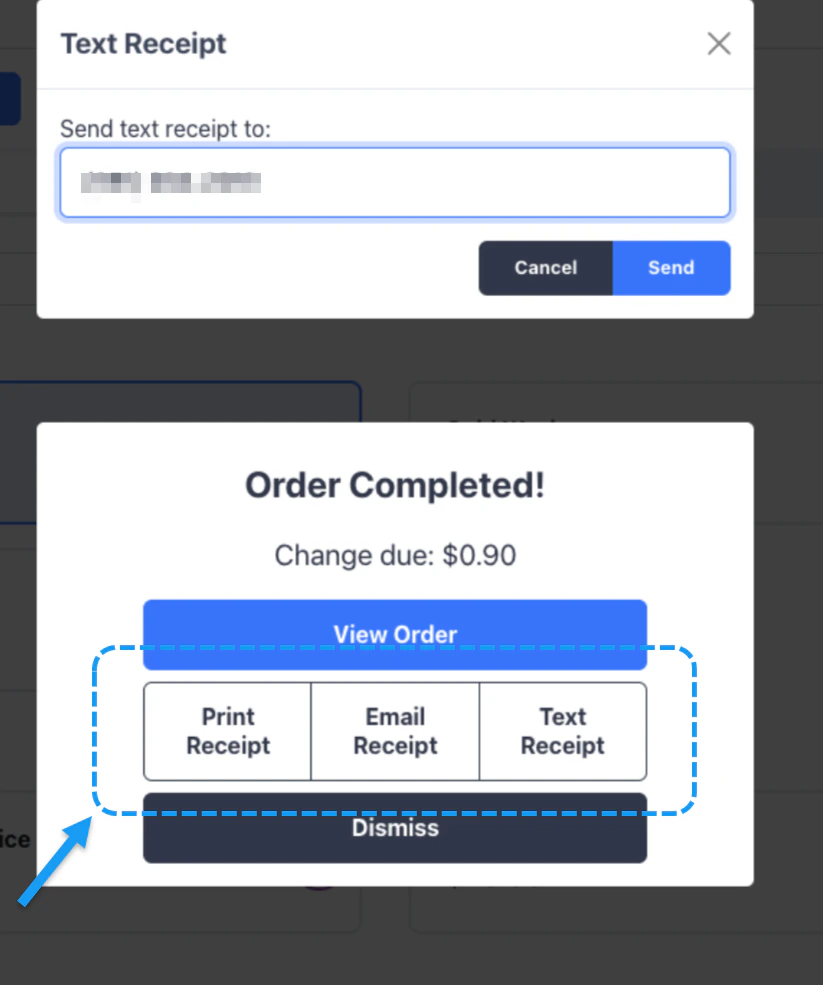
Marketing opt-in on text receipts
The text receipt prompt includes a marketing opt-in checkbox that is checked by default. When the cashier confirms the receipt with the box checked, the customer is opted in to both SMS and email marketing in a single step, so the customer becomes eligible for future FlexEngage campaigns on either channel without a separate signup. The same opt-in applies to the contact info form on the order complete screen and to the membership signup flow. SMS opt-in still requires the standard double opt-in confirmation reply. Uncheck the box if the customer does not want marketing messages. Receipt delivery is not affected by the checkbox.Text or Email Receipts from previous orders
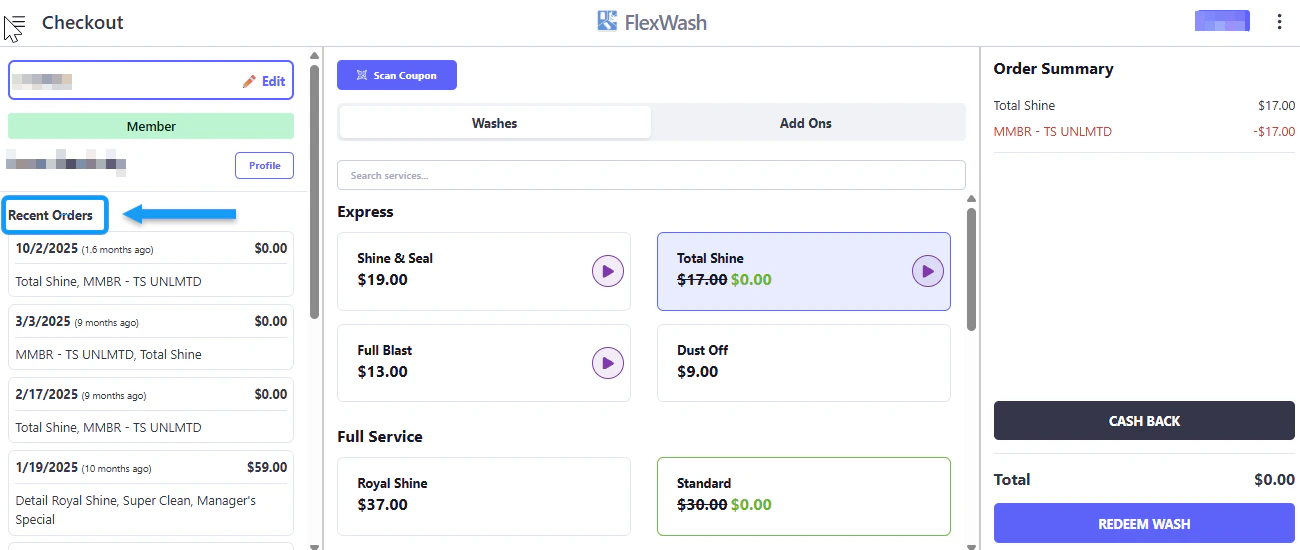
To text or email a receipt from a previous order, search for the customer’s account. Once on the customer profile, select the order you wish to email, text or print.