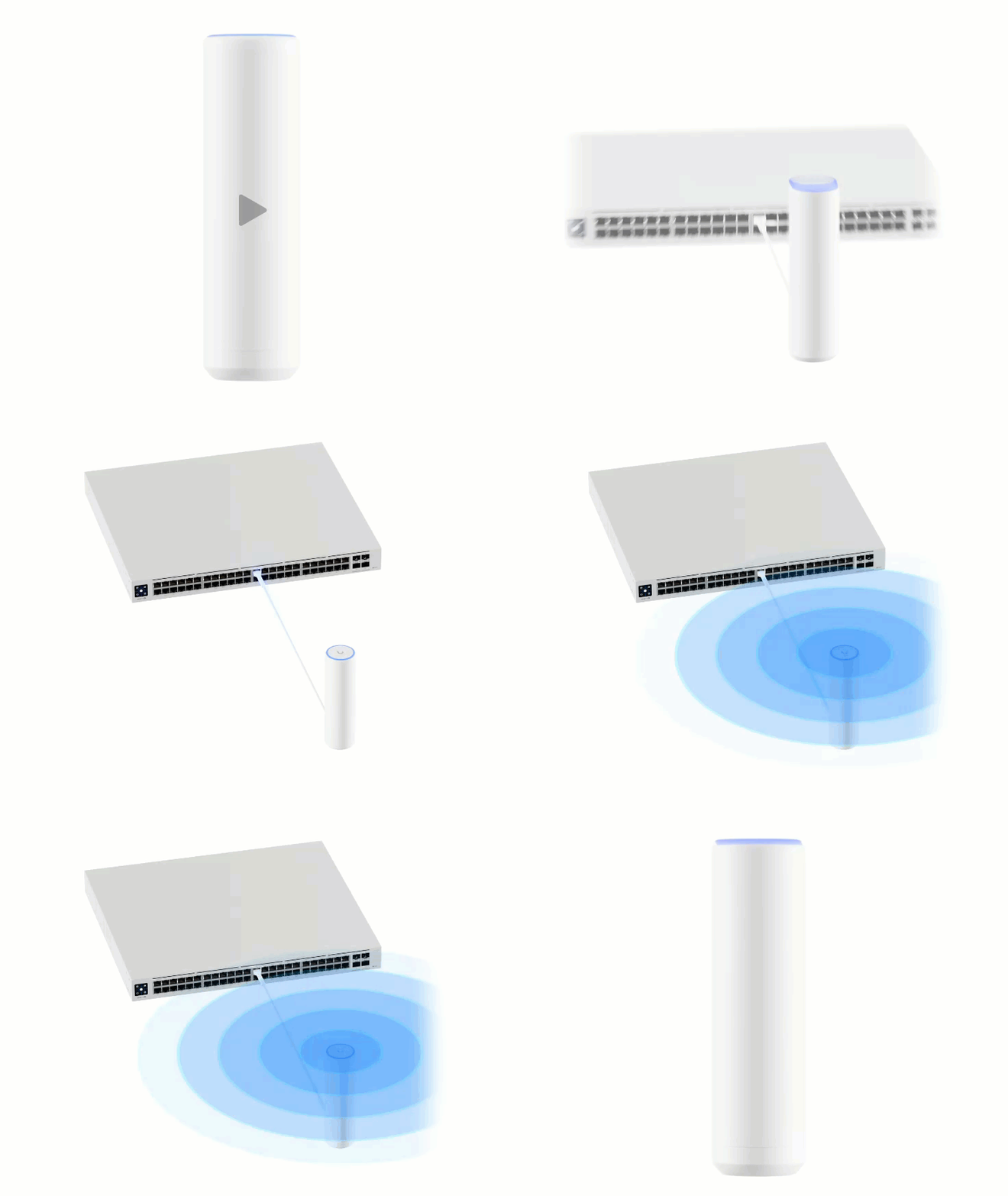
Switch
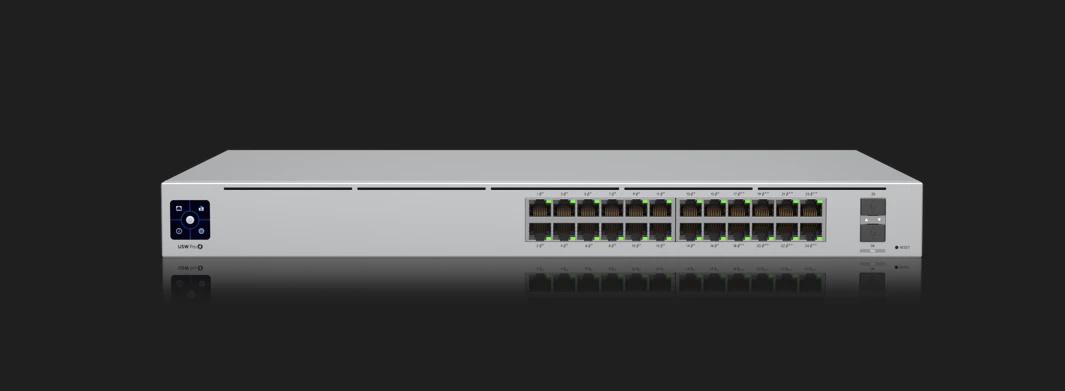
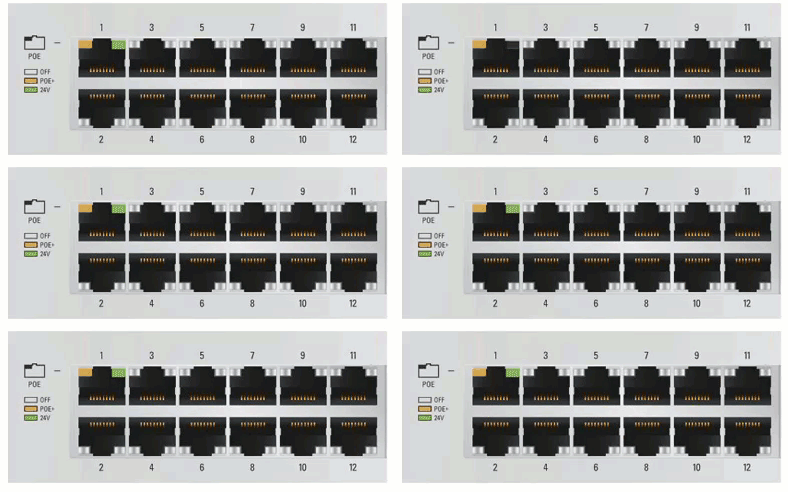
Left LED Light
| Light | Meaning |
|---|---|
| Off | No connection established. |
| Amber | Power Over Ethernet connection. |
| Green | 24V Passive Connection. |
Right LED Light
| Light | Meaning |
|---|---|
| Off | No connection established. |
| Amber | Connection established at 10/100 Mbps. |
| Green | Connection established at 1000 Mbps. |
Access Point
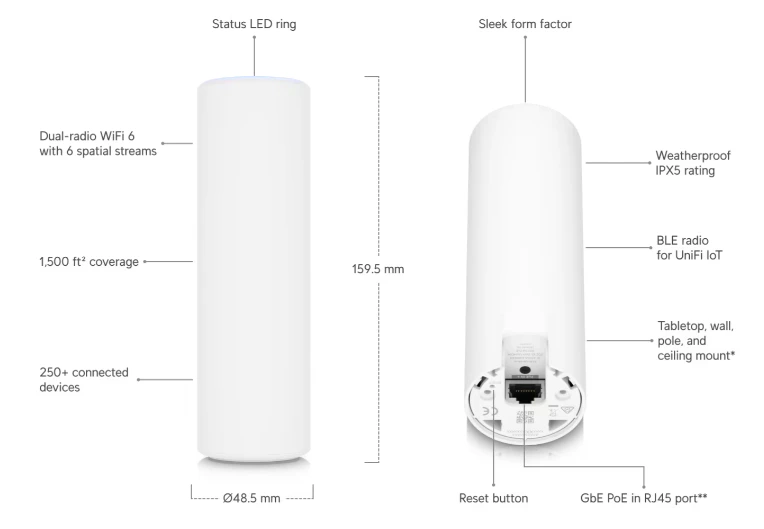
| Light | Meaning |
|---|---|
| Blue | Provisioning. |
| Green | Live. |