
This guide covers troubleshooting steps for the FlexWash Pay Terminal, including hardware diagnostics and recovery from common start-up errors.Documentation Index
Fetch the complete documentation index at: https://docs.flexwash.com/llms.txt
Use this file to discover all available pages before exploring further.
Hardware Diagnostics
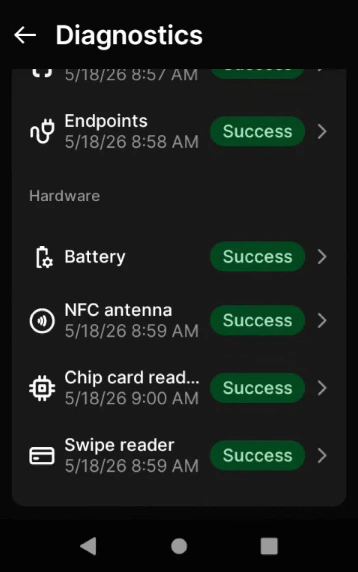
If a Pay Terminal cannot read a customer’s card, run the built-in hardware diagnostics to identify which reader is failing. The terminal can test the NFC antenna, chip card reader, and swipe reader independently.Scroll to the Hardware section
The Hardware section lists the three card readers along with the battery status.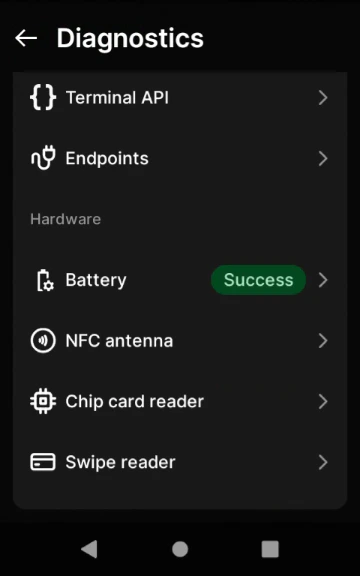
Test each reader
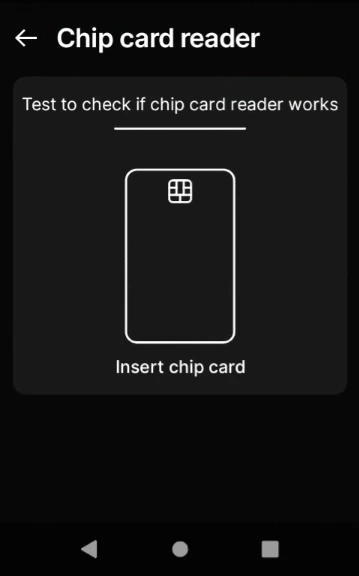
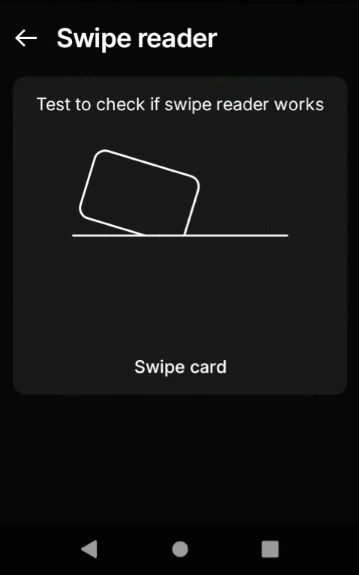
Tap a reader and follow the on-screen prompt. You will need a card to tap, insert, or swipe.
- NFC antenna
- Chip card reader
- Swipe reader
Tap a contactless card against the back of the terminal.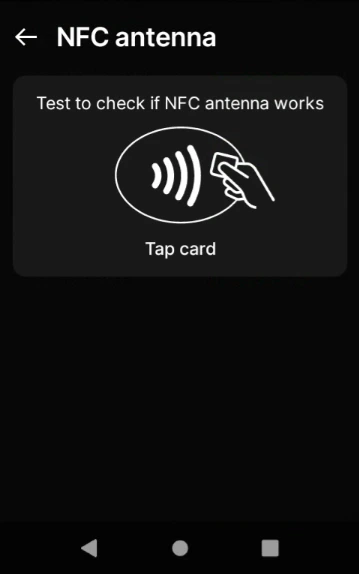
Staging Unsuccessful Error
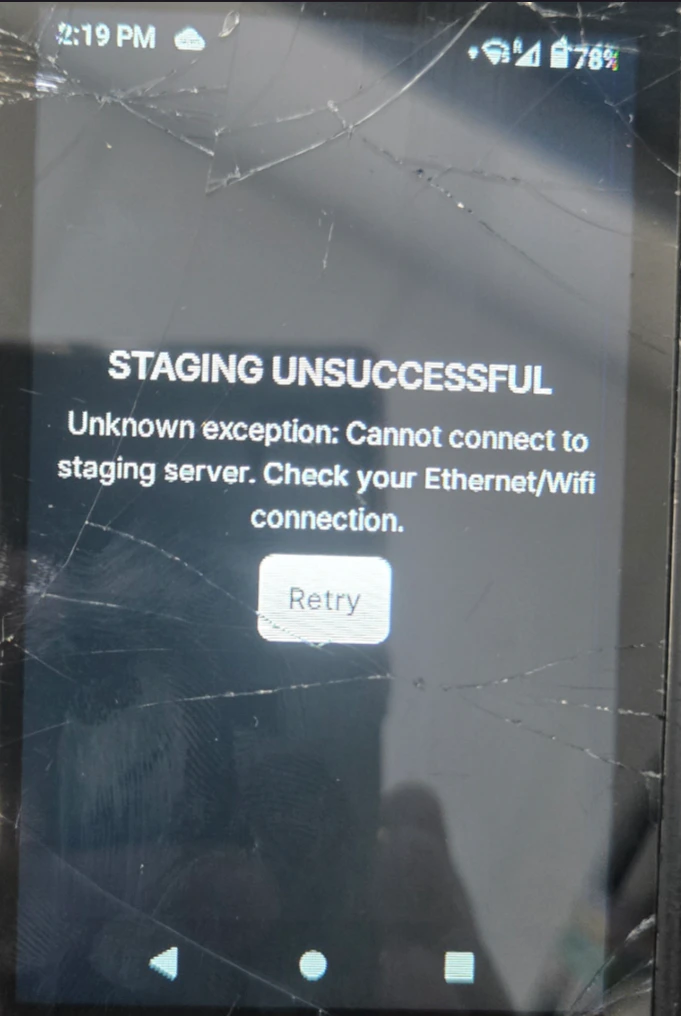
If the error returns, repeat the reset one more time. If it persists after the second attempt, contact FlexWash Support.
SE Connect Fail
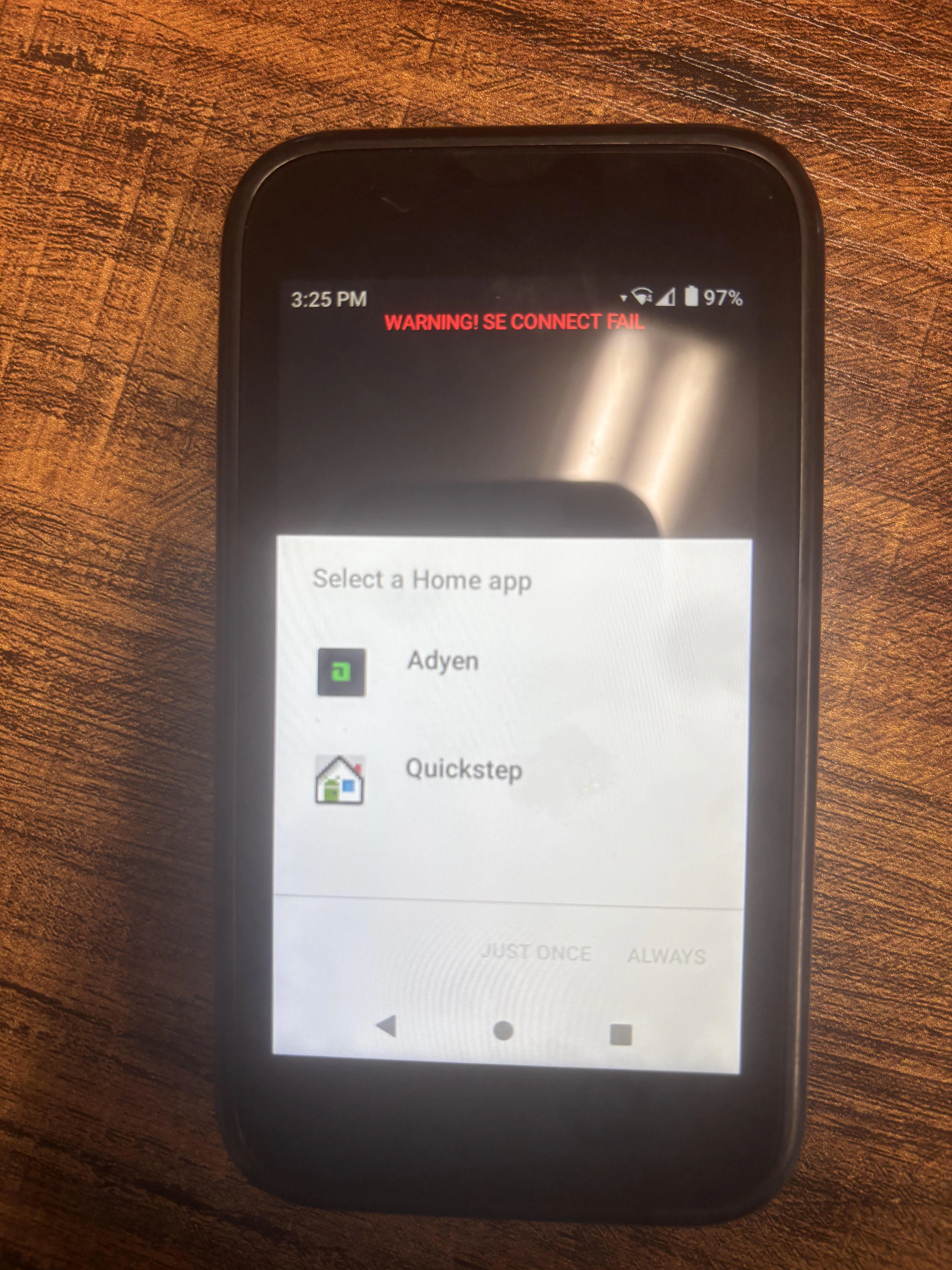
SE Connect Fail warning indicates the secure element inside the Pay Terminal is unresponsive. Common causes:
- Physical tampering with the device
- A hardware defect or impact damage
- An unresponsive secure module
If the warning persists, contact FlexWash Support to arrange a replacement.