> ## Documentation Index
> Fetch the complete documentation index at: https://docs.flexwash.com/llms.txt
> Use this file to discover all available pages before exploring further.
# Audio Recordings
> Listen to the audio recordings of each sale to help your team improve their membership conversion rates.
## Flex Assist
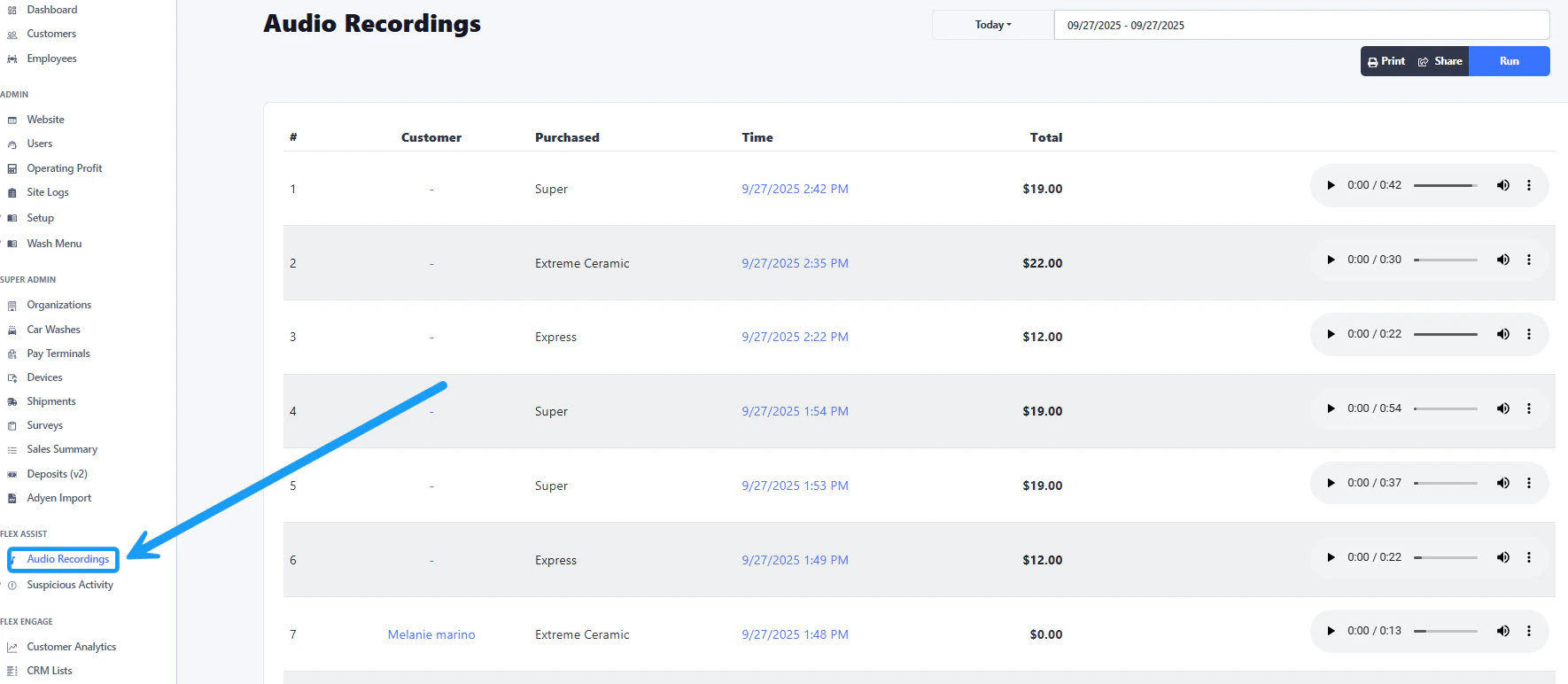
On the sidebar menu located on the left, locate the "Flex Assist" section. Then click on the "Audio Recordings" option.
 ## Date Range
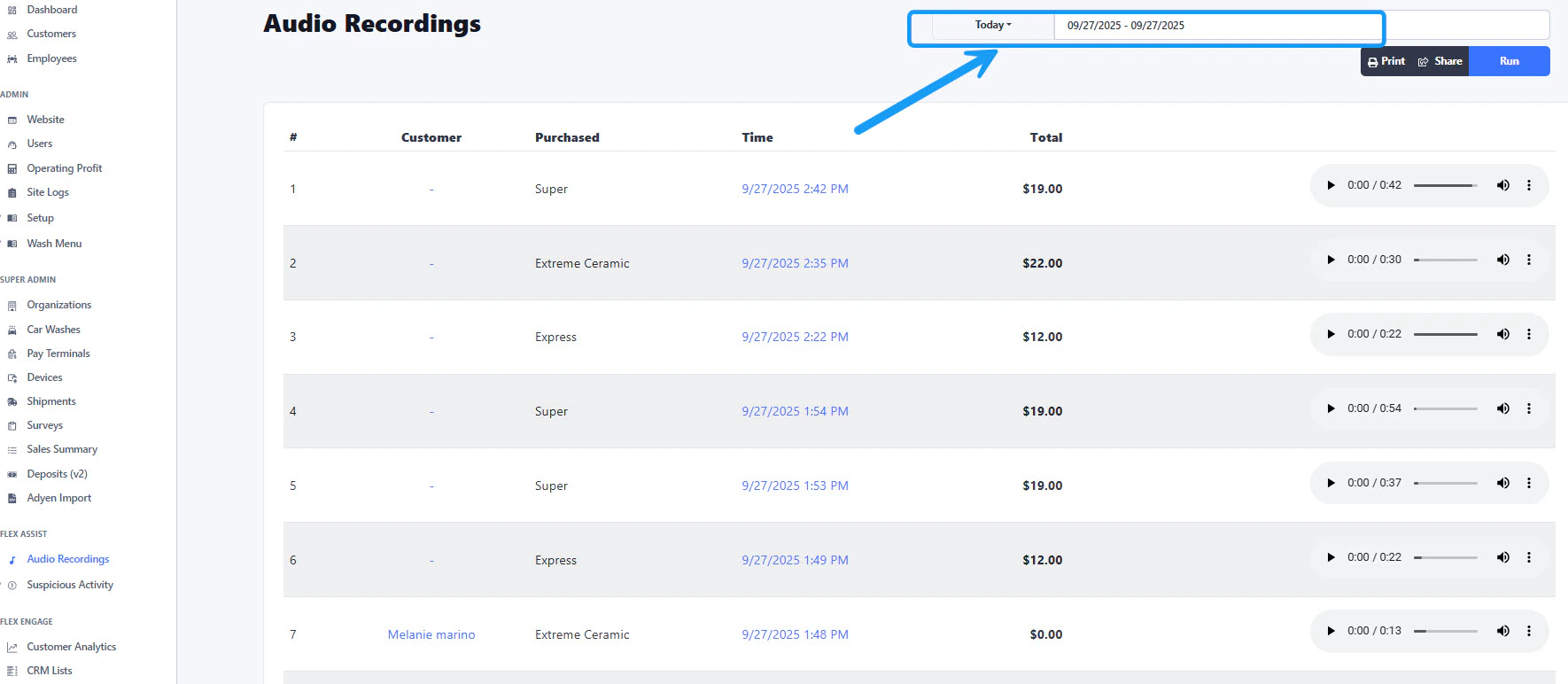 On the top right corner, select a date range and then click on the blue "Run" button. This will populate a list of orders and recordings within the selected dates.
## Play Audio Recordings
On the right side of each order, you will find the audio player. Click on the play button to reproduce the recording. If you click on the 3 vertical dots on the side of the player, you can click on "download" and the audio file will download to your device.
## Order information
On the top right corner, select a date range and then click on the blue "Run" button. This will populate a list of orders and recordings within the selected dates.
## Play Audio Recordings
On the right side of each order, you will find the audio player. Click on the play button to reproduce the recording. If you click on the 3 vertical dots on the side of the player, you can click on "download" and the audio file will download to your device.
## Order information
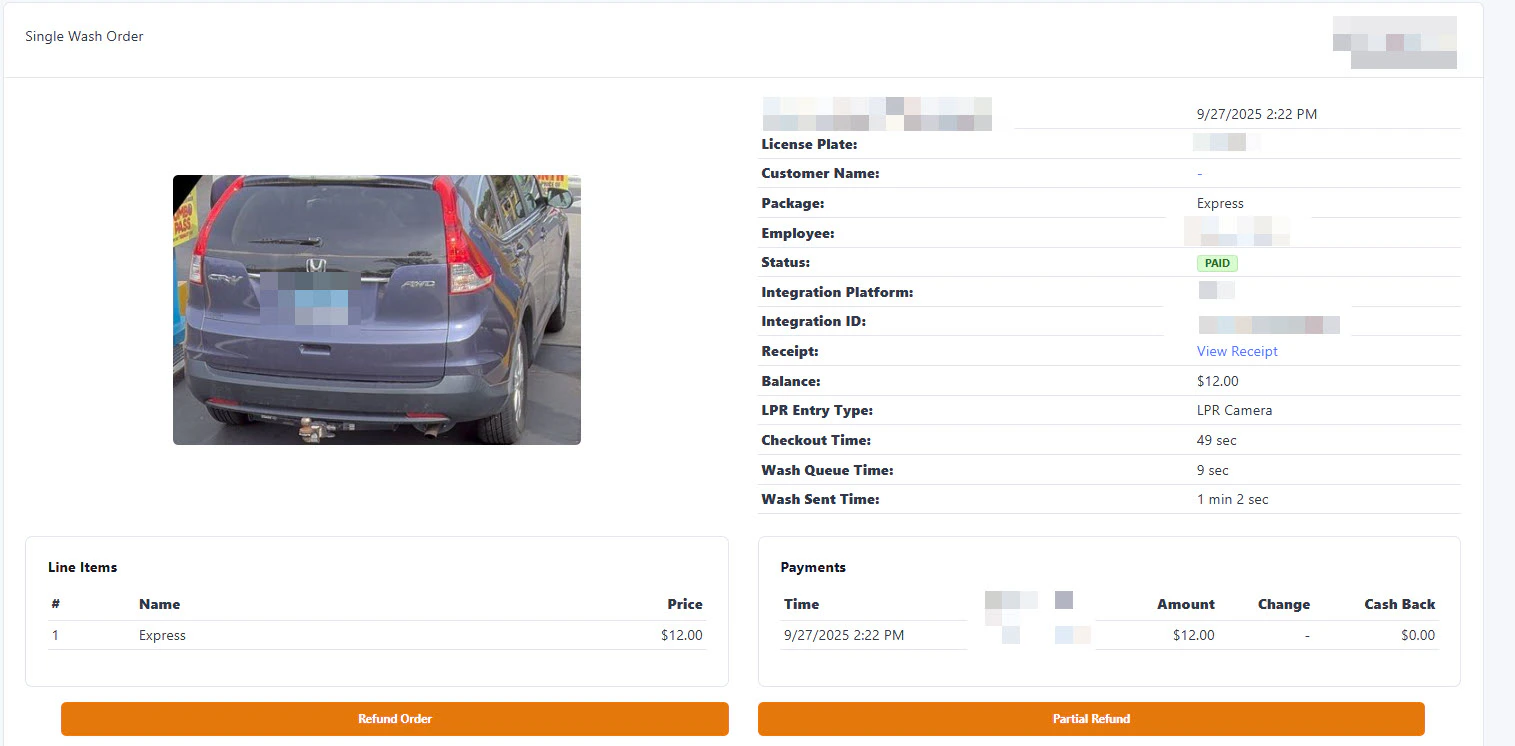
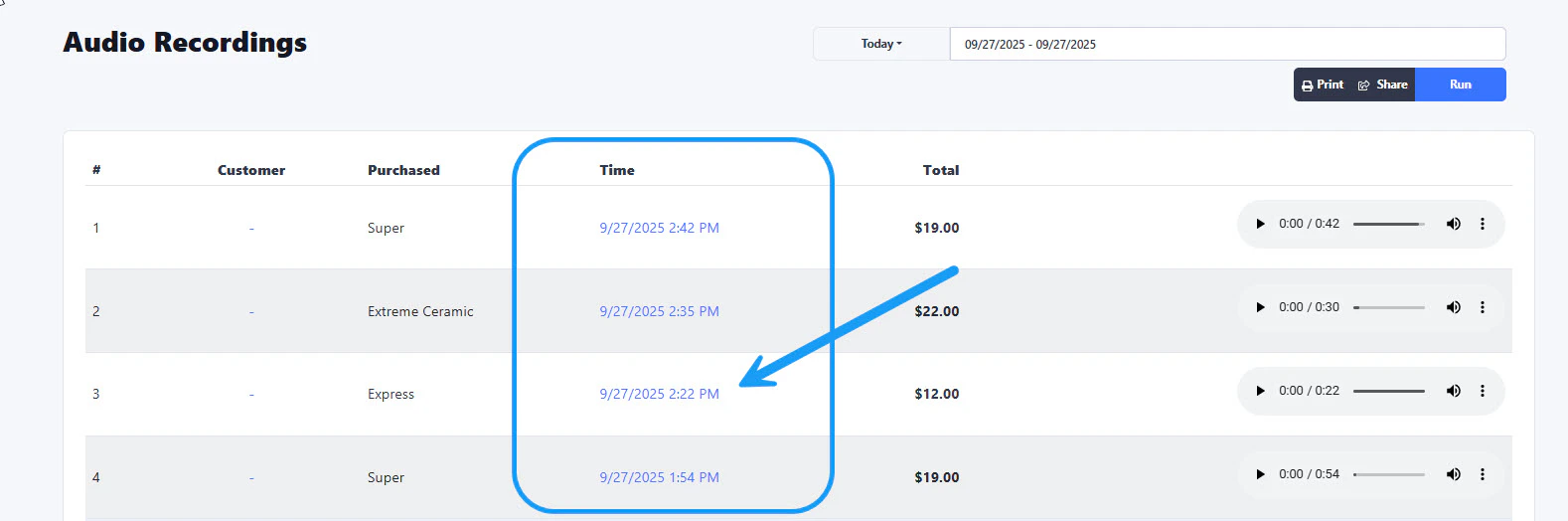 For more information about each order, you can click on the link under the "Time" column. This will open the order window as shown below: