> ## Documentation Index
> Fetch the complete documentation index at: https://docs.flexwash.com/llms.txt
> Use this file to discover all available pages before exploring further.
# ECommerce
> You can control what packages are available online in the sign up and purchase portals.
### To make a wash package visible
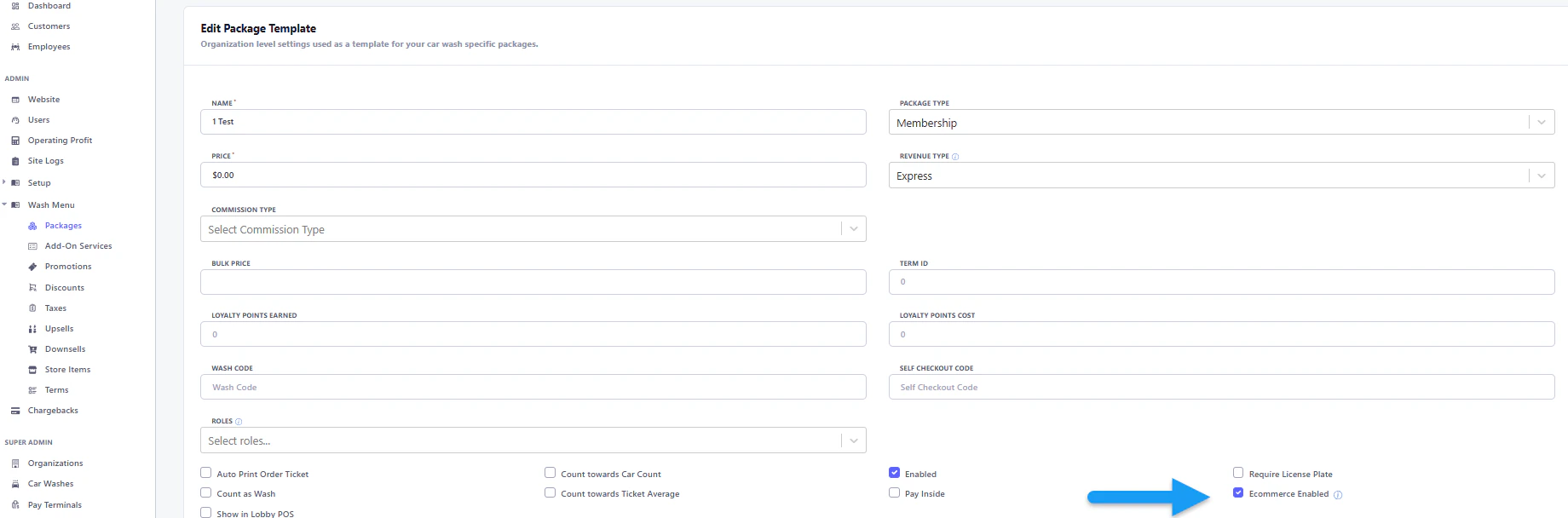
Go edit the wash package template.
 Enable the 'Ecommerce option,' then save your changes.
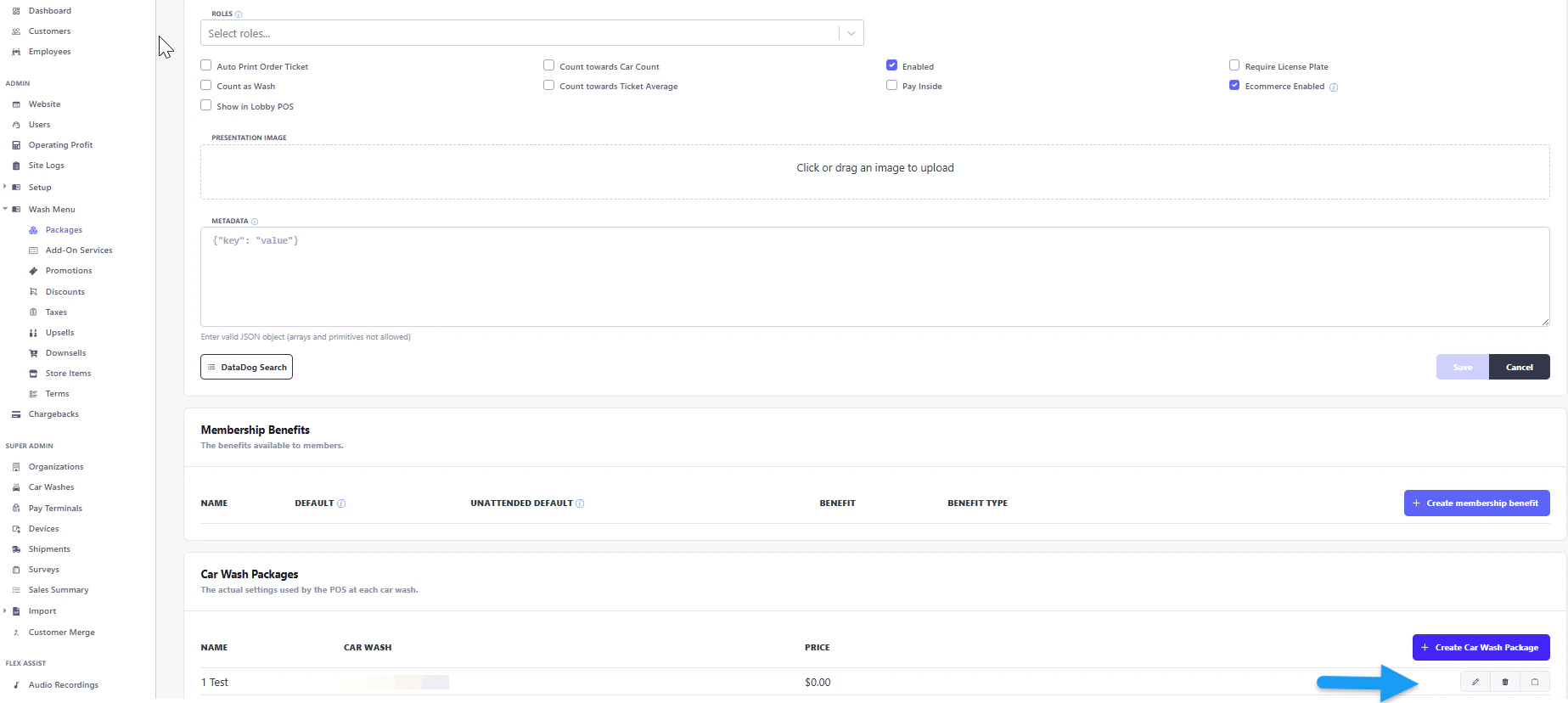
 Return to the wash package template and ensure the wash package is enabled for E-commerce in the Car Wash Package section.
 To preview visible memberships on the Sign-up Portal, navigate to Admin, then Website, and use the preview box in the Admin App.